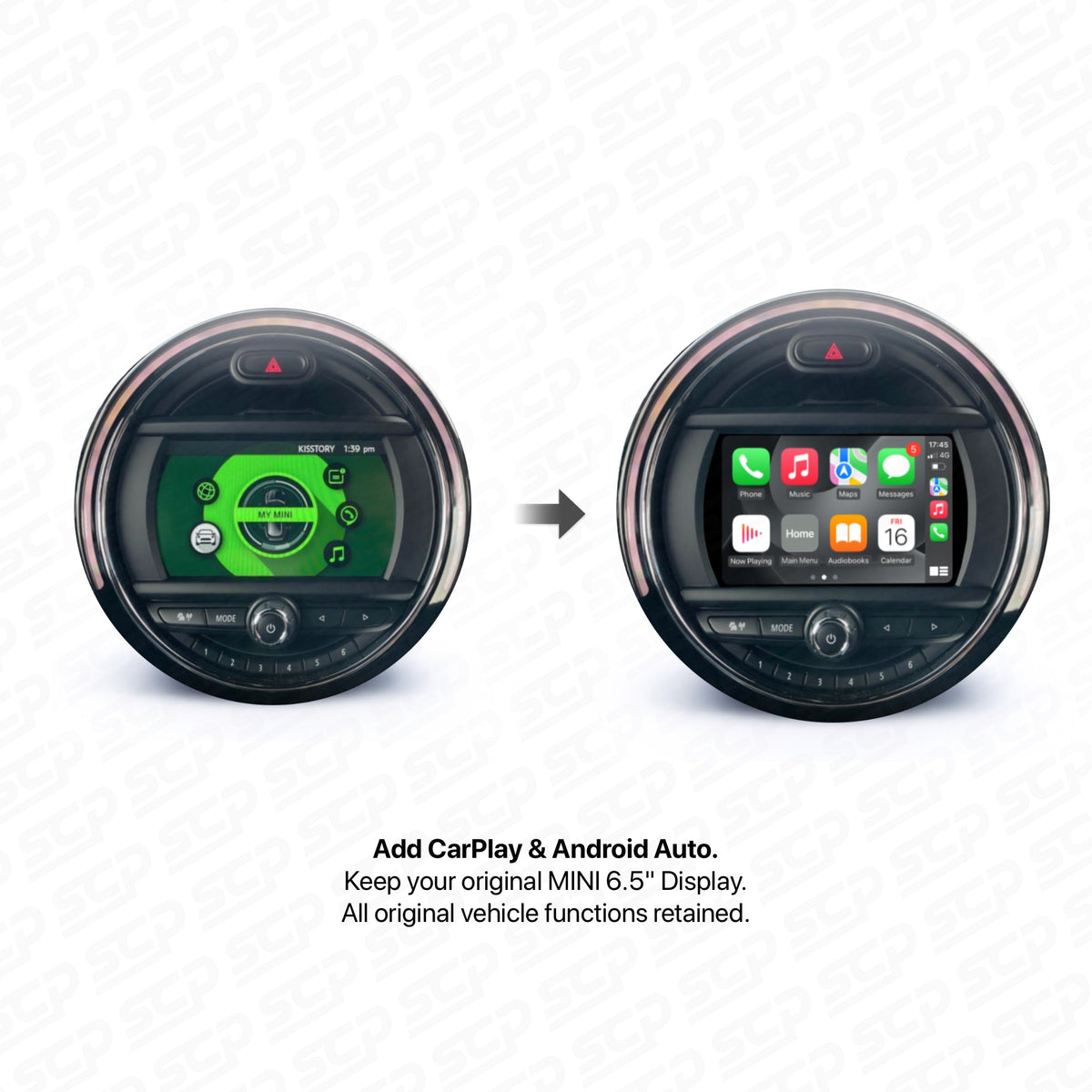

To add a reversing camera to your MINI, match the camera to the screen or interface that will show its picture. A compatible camera alone is not necessarily a complete kit for a factory screen.
Start with what you want: a camera on your existing display, a camera alongside CarPlay, or a camera for a touchscreen you already have. Choosing that route first avoids buying overlapping equipment.
Want a camera on the original MINI screen?
A camera interface adds an input to a compatible factory system. Our F-Series reversing-camera interface has separate NBT and EVO selections. A MINI with BIS01 uses the dedicated BIS01 camera interface instead.
Both routes use the existing display. They do not supply a new screen or add CarPlay and Android Auto. A compatible aftermarket camera is sold separately, so include the camera hardware in the buying and fitting plan.
A model year or screen size alone does not identify the right interface. If the original system is uncertain, send us your VIN privately and a photo of the original MINI menu.
Want CarPlay as well?
For a compatible NBT or EVO system, our MMI retrofit box can add phone integration and support a compatible reversing camera in one system. The camera-only NBT/EVO interface cannot be used alongside that MMI box, so they are alternative routes rather than two modules to buy together.
For BIS01, ask us to match the complete setup to your requirements before ordering. Its dedicated camera-only interface is also a different product from the CarPlay module; do not assume separate interfaces can be stacked together.
If a new display is part of your plan, our MINI CarPlay upgrade guide explains the screen choices. Include the camera in the same enquiry so its connection is checked against the chosen display.

Already have an aftermarket touchscreen?
Give us the exact display or interface name, ideally with your order number. We can then establish whether the aftermarket reversing camera is suitable and which instructions apply.
“Universal” describes this camera’s flexible mounting possibilities. It does not mean every screen accepts the same video format, power feed or reverse trigger. Likewise, an RCA-style connector on two products does not prove the whole installation is compatible.
Allow for the installation, not just the camera
The job includes finding a suitable mounting position, routing the cable and connecting it according to the exact kit’s diagram. When requesting a fitting quote, name the display, interface and camera together so that work is included.
Use the supplied wiring instructions. Different systems can require different camera-power arrangements, so a connection copied from another MINI may not suit yours. If the picture is missing or unstable, check the installation against the correct diagram before changing settings or replacing the camera.
After fitting, check that the picture switches on when reverse is selected, the image orientation is correct and the view is useful. Ask the installer to check any guidelines too: lines supplied by the camera and those drawn by the display can overlap.
Build the camera setup around your screen
 Aftermarket reversing cameraThe camera hardware; match it to your chosen display or interface.View options
 Camera-only: NBT or EVOKeep the compatible factory screen. Select NBT or EVO; camera sold separately.View options
 Camera-only: BIS01Dedicated interface for the compatible BIS01 system; camera sold separately.View options
 Camera plus CarPlay: NBT/EVOExplore phone integration and compatible camera support in one MMI system.View options
Tell us what is already fitted
Send your MINI model or VIN privately, a dashboard photo and what you want to add. Mention any existing aftermarket screen or interface. That lets us recommend the camera, any interface and the fitting information as one compatible setup.