
You can keep the factory reversing camera with a compatible BIS01 CarPlay module. If you replace the BIS01 infotainment system instead, plan for a compatible aftermarket reversing camera. Other MINI systems need a check of the exact camera and upgrade combination.
The difference is what happens behind the screen. An add-on module works alongside the original MINI system; a replacement takes over more of its job. Both can offer CarPlay, but that does not give them the same camera connection.
Already have a camera? Start here
If you are happy with the camera picture and simply want phone maps, music and calls, keeping the existing system is worth considering before choosing a new screen.
First establish whether the camera is factory fitted or was added later. An aftermarket camera can look factory fitted from inside the car while using a separate interface. If you do not know its history, say so when asking about an upgrade.
What changes with each upgrade?
Swipe to compare all columns →
| Your starting point | What it means for the camera |
|---|---|
| Compatible BIS01 system with its factory camera | The BIS01 add-on module keeps the original camera working. |
| BIS01 system being replaced with a new touchscreen system | A compatible aftermarket camera is needed instead of a direct factory-camera transfer. |
| NBT, EVO or an existing aftermarket installation | The exact camera and upgrade combination needs checking before choosing a kit. |
BIS01, NBT and EVO are names for different original MINI infotainment systems. They describe the equipment the kit must work with, rather than the size of screen you want.
The BIS01 CarPlay and Android Auto module keeps the original display, camera and vehicle features in use. It suits a compatible car with working original equipment when phone integration is the main goal.

“Supports a camera” does not always mean your camera
On a replacement-screen listing, camera support may mean there is an input for a compatible aftermarket camera. It does not necessarily mean the camera already fitted by MINI can plug into it.
That affects the complete purchase: a replacement screen may also mean buying a camera and allowing for its fitting and cable route. If you are keeping the original camera with the compatible BIS01 module, you do not need another camera simply to preserve that existing function.
What about the parking sensors?
The camera picture, sensor sounds and on-screen parking graphic are separate features. Keeping one is not proof that all three will behave as before.
The BIS01 module keeps the original features working, and our MMI retrofit box retains factory parking sensors. With replacement systems, sensors may work, but support is not confirmed for every head unit.
If you rely on the original parking display, make that part of the decision alongside the camera picture. Our MINI CarPlay upgrade guide explains the wider differences between modules and replacement systems.
Want a new screen—or a camera where there is none?
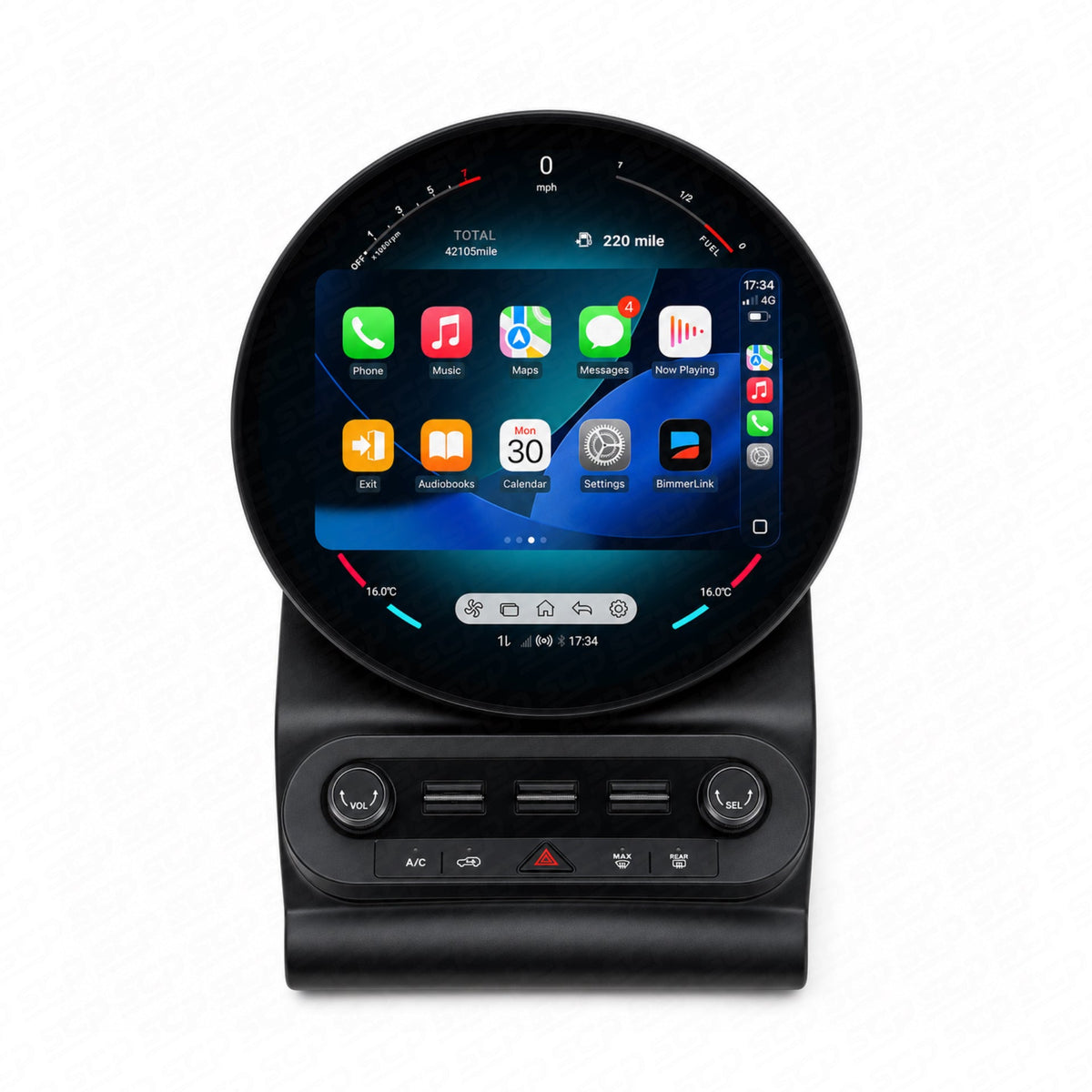
For a different display, compare the F-Series touchscreen upgrade with the F-Series circular touchscreen upgrade. Their system options matter as much as their appearance: for example, the circular listing has a BIS01 replacement option for F55, F56 and F57. That is a different purchase from the BIS01 add-on module.
If you only want to add a camera to the original screen, consider the NBT/EVO reversing-camera interface or the dedicated BIS01 camera interface, with a compatible camera sold separately. These camera-only interfaces do not add CarPlay and cannot be used alongside the MMI retrofit module. For compatible NBT/EVO cars wanting both phone integration and an added camera, the MMI retrofit box provides that combined route instead; choose the camera and interface together.
Compare the camera and upgrade options
 Keep your BIS01 screenAdd phone integration while keeping the compatible original system and camera.View options Choose a circular touchscreenCompare system-specific options, including BIS01 replacement versions.View options
 Add a reversing cameraFor a compatible aftermarket setup; select it with the interface or display.View options
 Add a camera without CarPlayCamera-only interface with NBT and EVO versions. Camera sold separately.View options
Get a recommendation for your car
Send us your VIN privately, a photo of the original home menu and a photo of the reversing view taken with the car safely stationary. Tell us whether the camera is factory fitted or added later, and whether you want a new screen or just CarPlay and Android Auto.