
Yes — on a compatible MINI F-Series, an MMI retrofit can add Android Auto while keeping your original screen and MINI system. You do not have to replace a working display just because your phone is Android.
The main trade-off is how you control it. Android Auto through our MMI box uses the original iDrive controller and supported steering-wheel controls, rather than touchscreen input. If your factory MINI system already has touch control, that continues to work in the original interface.
Why CarPlay does not mean you already have Android Auto
Apple CarPlay connects an iPhone to a compatible car display. Android Auto provides a similar way to use supported navigation, music and calling apps from an Android phone. A car can support one without supporting the other.
This is the situation for F-Series owners whose original MINI system has CarPlay but no Android Auto. Connecting an Android phone by Bluetooth does not, by itself, add the missing Android Auto interface.
Newer MINIs are a different case: MINI Operating System 9 includes both Apple CarPlay and Android Auto. If your car has that system, start with its existing smartphone-integration features. MINI explains what Operating System 9 includes here.
Add Android Auto to the screen you already have
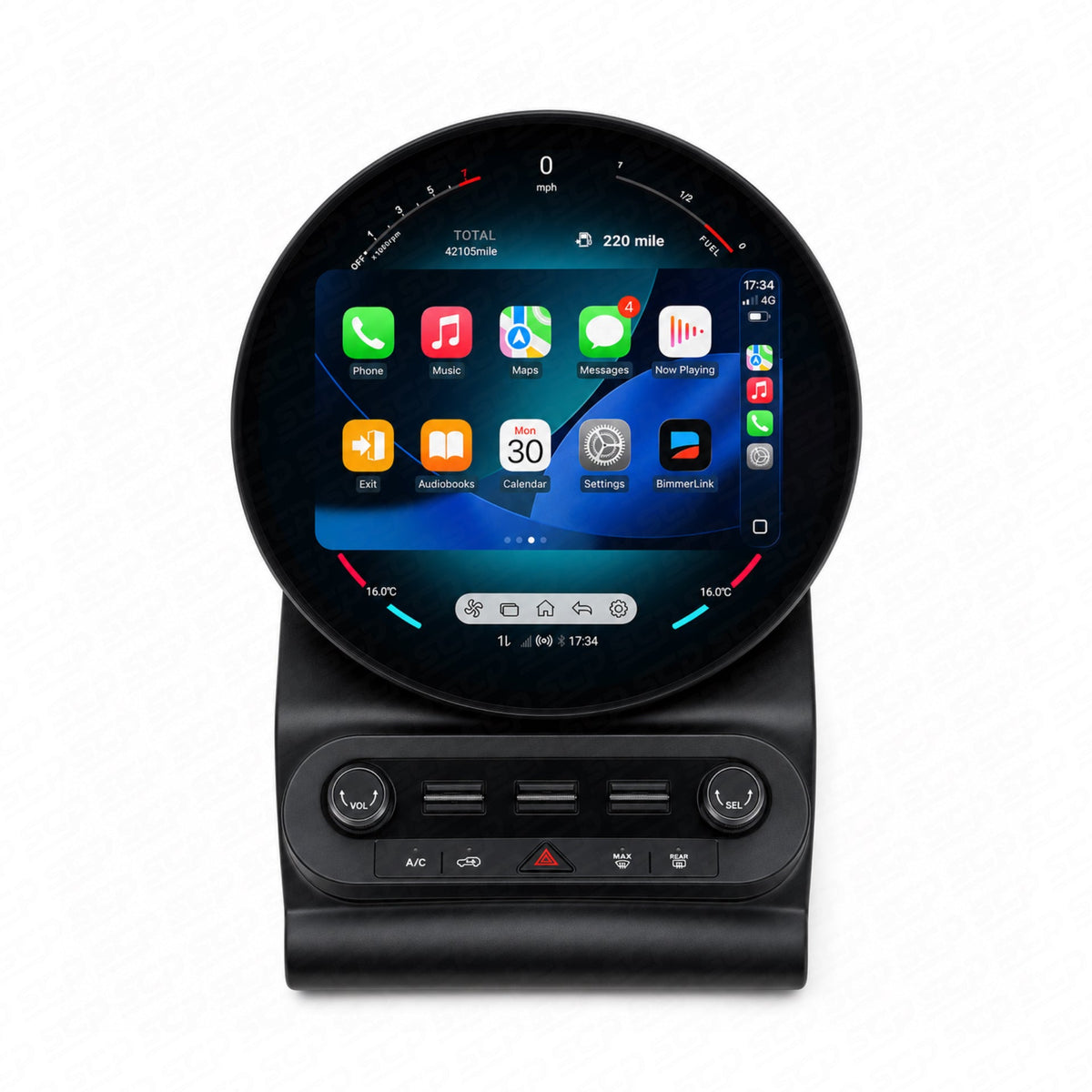
Our MINI F-Series MMI retrofit box adds a separate phone interface alongside the original MINI system. The factory display and head unit stay in the car; the box does not include a replacement screen.
For a compatible car with factory CarPlay, this gives an Android driver access to Android Auto without changing the dashboard’s appearance. The original MINI interface remains available when you want to return to it.
The MMI also provides its own CarPlay interface, but an owner who already has working factory CarPlay does not need to use that additional connection. The reason to fit it in this case is to add Android Auto.
What happens to touchscreen control?
A touchscreen in the dashboard does not make every added interface touch-enabled. The original MINI interface and the interface supplied by the MMI work differently:
| What you are using | How you control it |
|---|---|
| Original MINI menus and factory CarPlay | The original controls, including touch where your car already supports it. |
| Android Auto through the MMI box | The supported iDrive controller and steering-wheel controls. Touch input is not supported. |
| CarPlay through the MMI box | The supported original controls, rather than touch input. |
So fitting the MMI does not remove your existing factory touchscreen functionality. You simply use the controller while you are in the added Android Auto interface.
Keep the familiar MINI features
The MMI works alongside the original system rather than replacing it. Your original MINI menus remain available, and the MMI retains factory DAB radio and parking sensors.
This is a different arrangement from a complete replacement system. Replacement versions do not retain factory DAB, and parking-sensor support is not confirmed for every head unit. If your goal is Android Auto in a dashboard you already like, an MMI avoids changing more of the system than you need to.
If you also want a new display, our MINI CarPlay upgrade guide explains the different screen and system options. A new screen is a separate fitment decision; compatibility with an MMI does not automatically establish compatibility with a replacement display.
Your phone needs to support wireless Android Auto too
The car and phone are both part of the connection. Our MMI offers wireless Android Auto, so the phone needs to support wireless projection as well.
Google’s current Android Auto requirements explain the supported phones, active data plan and 5 GHz Wi-Fi requirements. Giving us your phone model alongside the car details helps us recommend the right setup.
Common questions
My MINI is a Cooper SE. Can I add Android Auto?
A compatible F-Series Cooper SE can use the appropriate MMI version. The Cooper SE name alone is not enough to select the kit, because it is also used on newer cars with a different infotainment system.
Will updating my Android phone add Android Auto to the car?
A phone update does not give an unsupported car system Android Auto compatibility. The car needs a compatible original system or a suitable retrofit, as well as a compatible phone.
My iPhone no longer connects to factory CarPlay. Do I need an MMI?
If the car already has factory CarPlay, a connection problem does not automatically mean you need more hardware. Identifying the existing connection issue is the first step. An MMI becomes relevant here when you want to add Android Auto.
Find the right MMI for your MINI
Our MMI range has different versions for NBT and EVO systems. The correct choice depends on the equipment fitted to your car, rather than its registration year alone.
Send us your VIN, a photo of the original home menu and a wider photo showing the centre console and controller. Include your phone model and mention any previous infotainment upgrades or existing faults.
That gives us a clearer picture of the car you have and the Android Auto experience you want.